Delphi Connectors (Pull to Seat)
Wiring Systems and Power Management | Diagnostic Information and Procedures | Document ID: 5207168 Special Tools EL-38125-550 Terminal Release Tool Kit EL-38125-580 Terminal Release Tool Kit For equivalent regional tools, refer to Special Tools. Terminal Removal Procedure If the terminal is visibly damaged or is suspected of having a faulty connection, the terminal should be replaced.
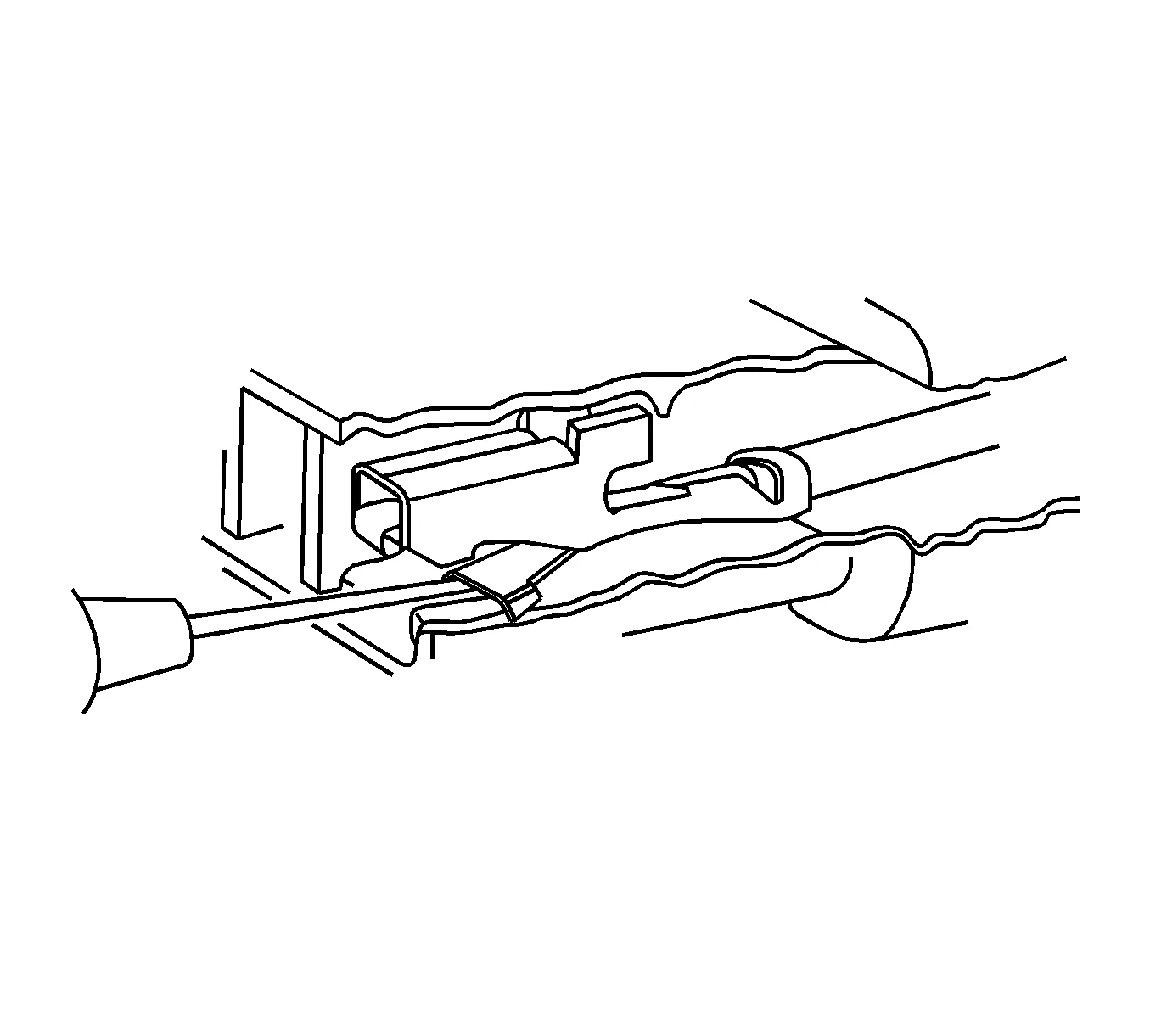
Follow the steps below in order to repair pull-to-seat connectors:
- Remove the connector position assurance (CPA) device and/or the secondary lock.
- Disconnect the connector from the component or separate the connectors for in-line connectors.
- Remove the terminal position assurance (TPA) device.
- Review the connector end view to determine the proper test probe and release tool.
- Insert the release tool into the front of the connector body.
- Grasp the wire at the back of the connector body and gently push the terminal out the front of the connector body.
- Repair the terminal by following the Repairing Connector Terminals procedure.
- Insert the repaired terminal back into the cavity. Repeat the diagnostic procedure to verify the repair and reconnect the connector bodies. Terminal Insertion Procedure
- Align the terminal and pull the wire from the back of the connector in order to seat the terminal.
- If the connector is outside of the passenger compartment, apply dielectric grease to the connector.
- Install the TPA, CPA, and/or the secondary locks.