Bosch Connectors (ECM)
Wiring Systems and Power Management | Diagnostic Information and Procedures | Document ID: 5207142 Special Tools EL-38125-550 Terminal Release Tool Kit EL-38125-580 Terminal Release Tool Kit J-38125-213 Terminal Release Tool J-38125-556 Terminal Release Tool For equivalent regional tools, refer to Special Tools. Terminal Removal Procedure
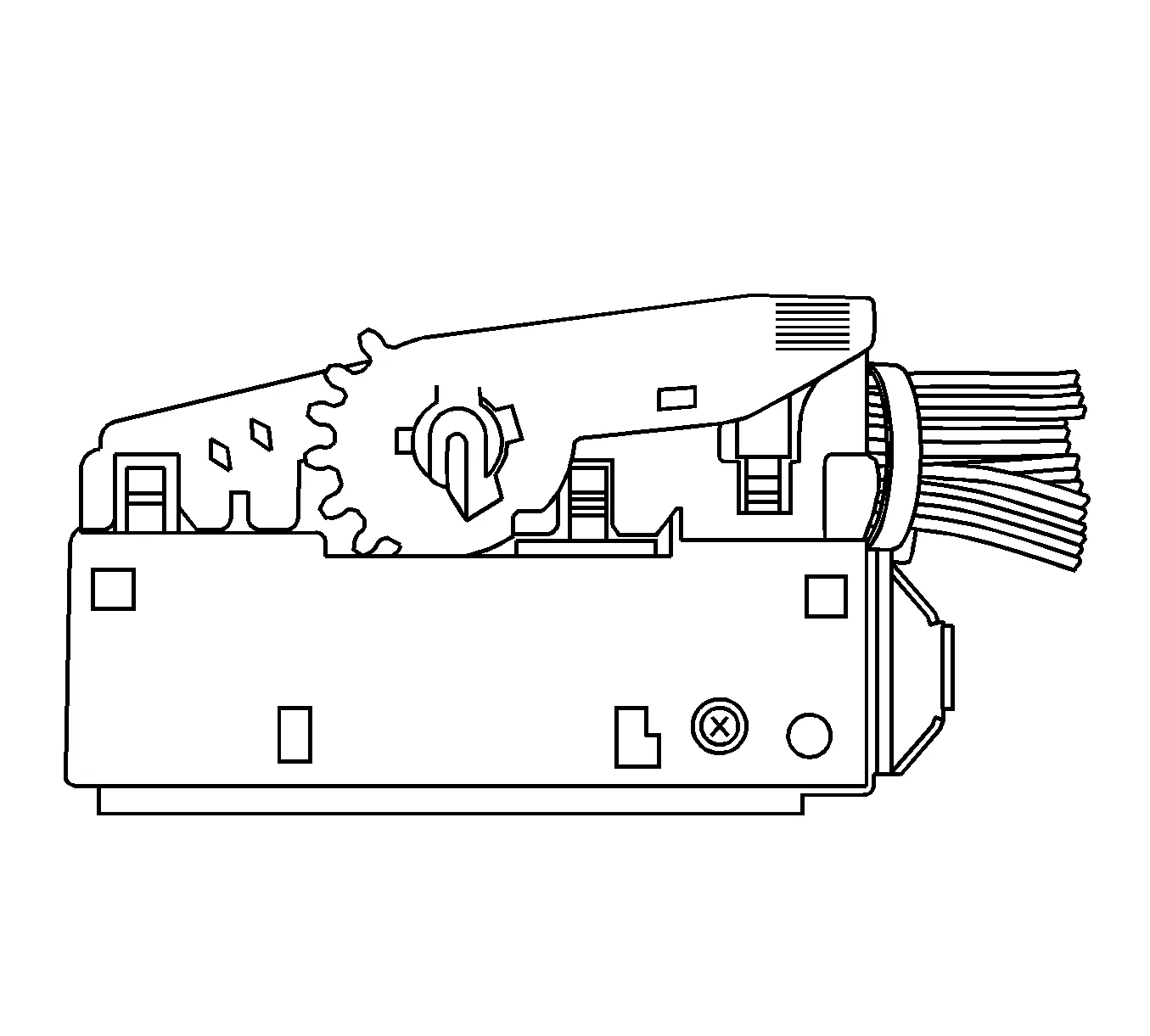
- Locate the assist lever on the top of the connector. Move the assist lever to the forward position.
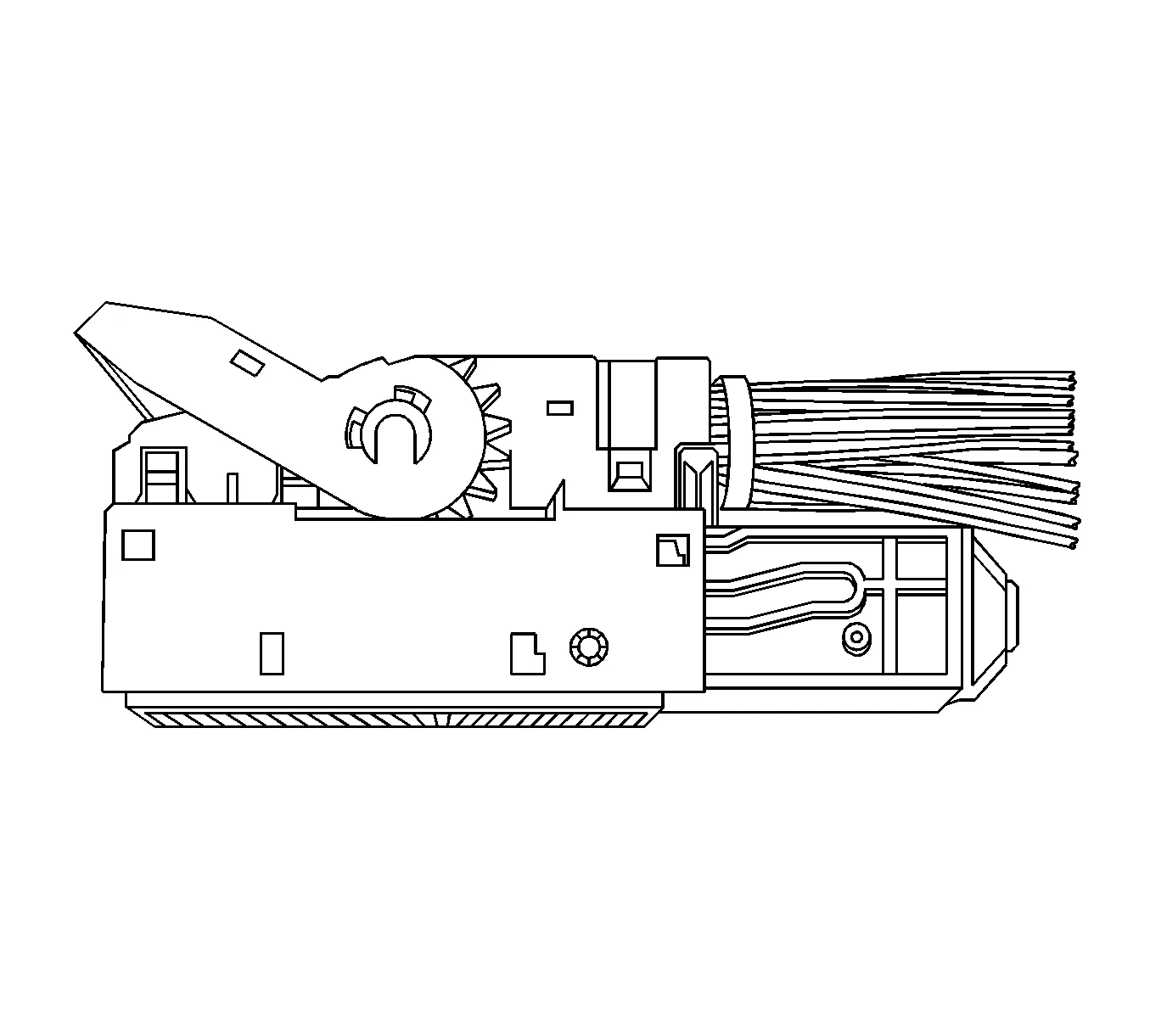
- Disconnect the connector from the component.
- Locate the dress cover locking tabs at the corners of the connector. Use a small flat-blade tool to release the locking tabs and remove the dress cover.
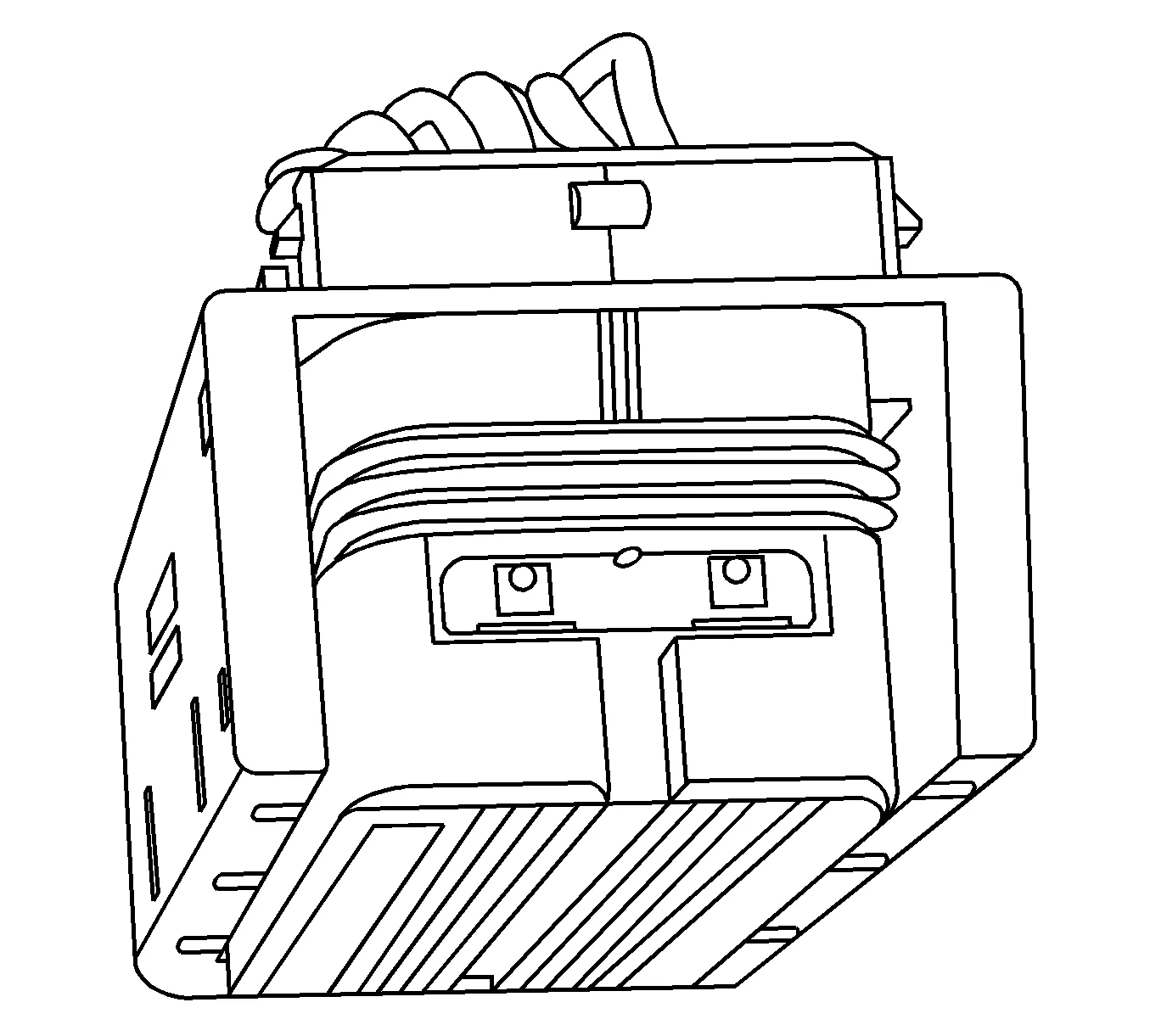
- The terminal positive assurance (TPA) is located in the front of the connector.
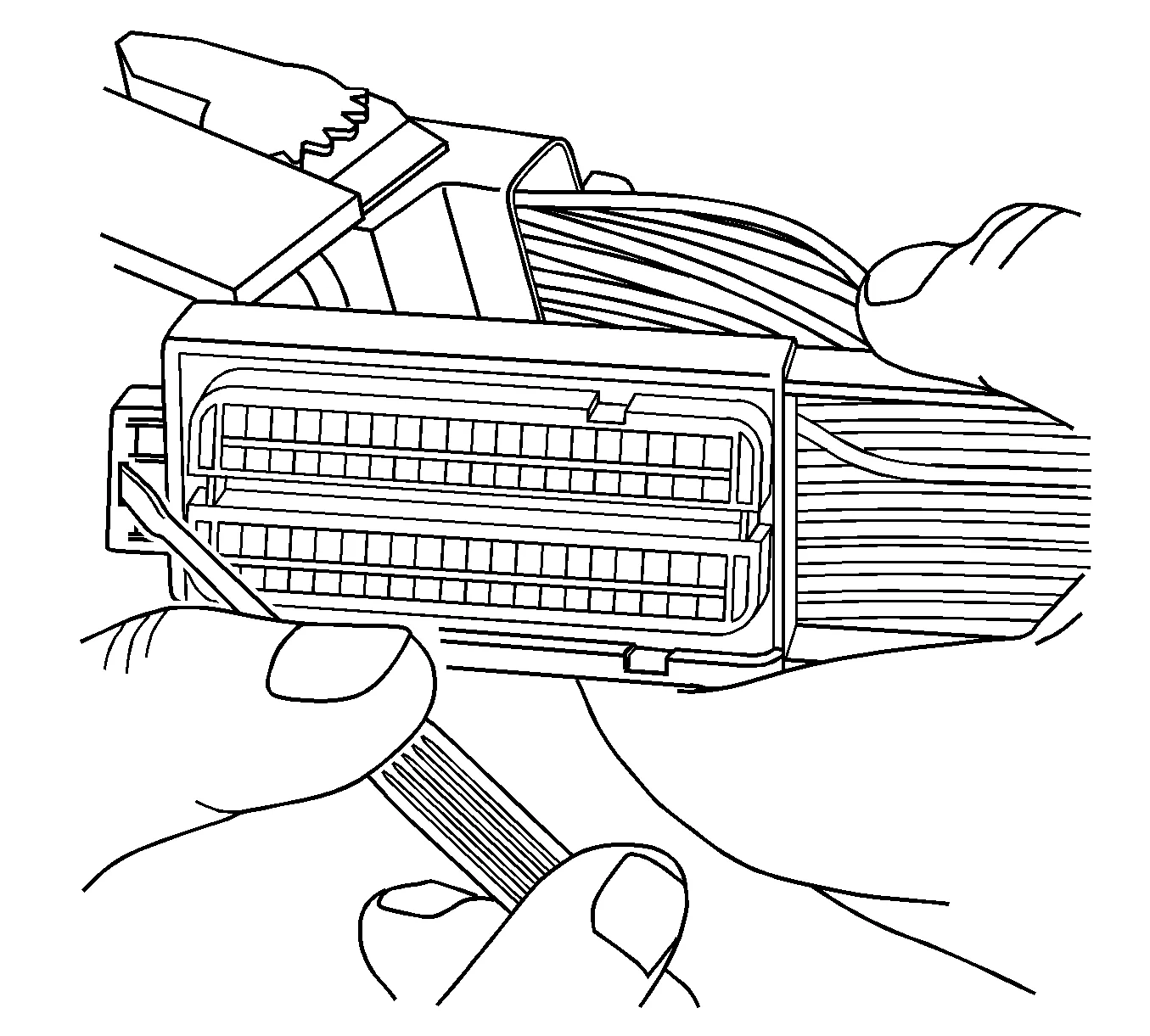
- Use a small flat-blade tool to remove TPA from the connector.
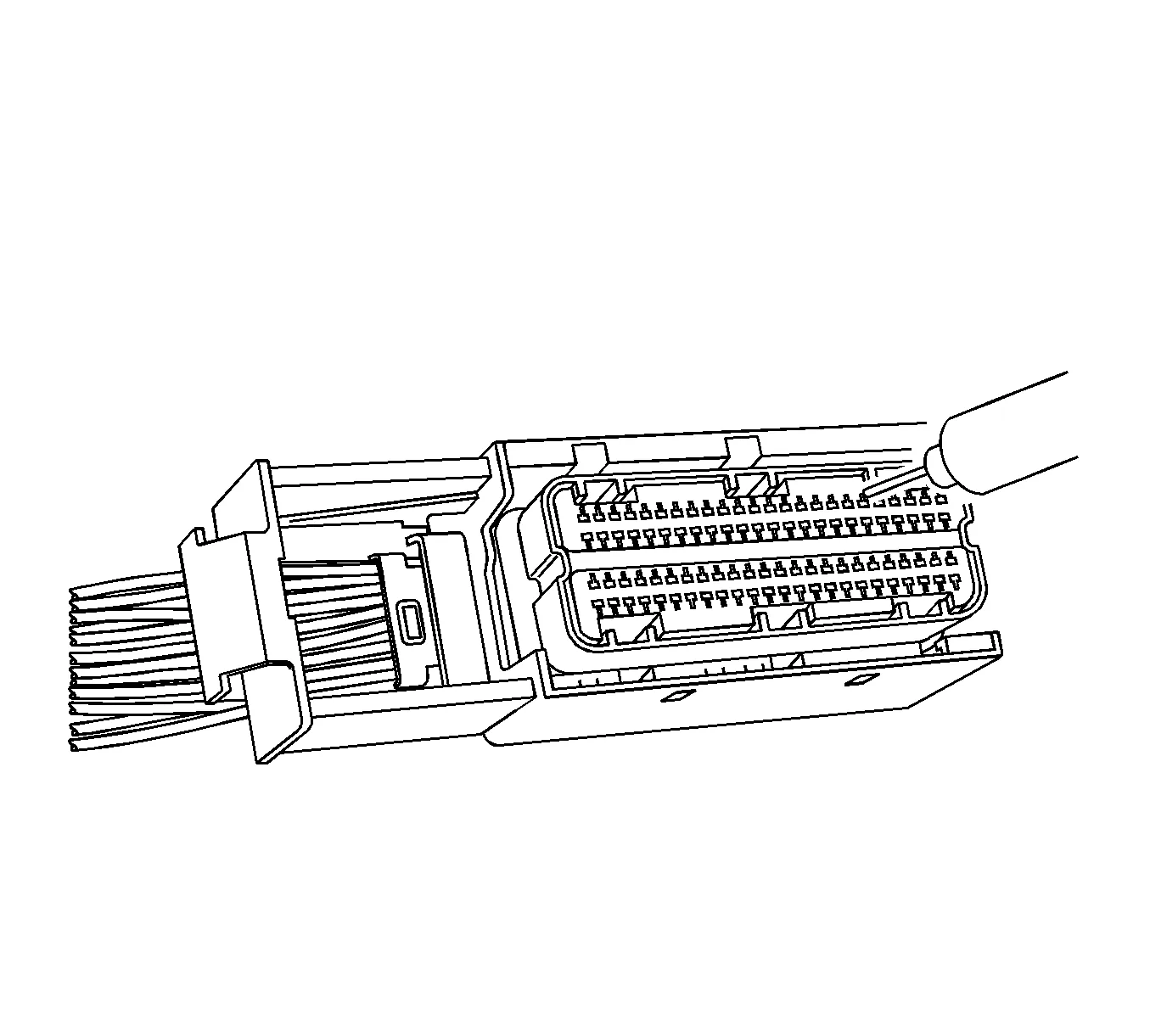
- Use the J-38125-213 or the J-38125-556 tool to release the terminals by inserting the tool into the terminal release cavity.
- While holding the removal tool in place, gently pull the wire out of the back of the connector. Always remember never use force when pulling a terminal out of a connector.
- Repair the terminal by following the Repairing Connector Terminals procedure.
- Insert the repaired terminal back into the cavity. Repeat the diagnostic procedure to verify the repair and reconnect the connector bodies.
- Reconnect the connector bodies.